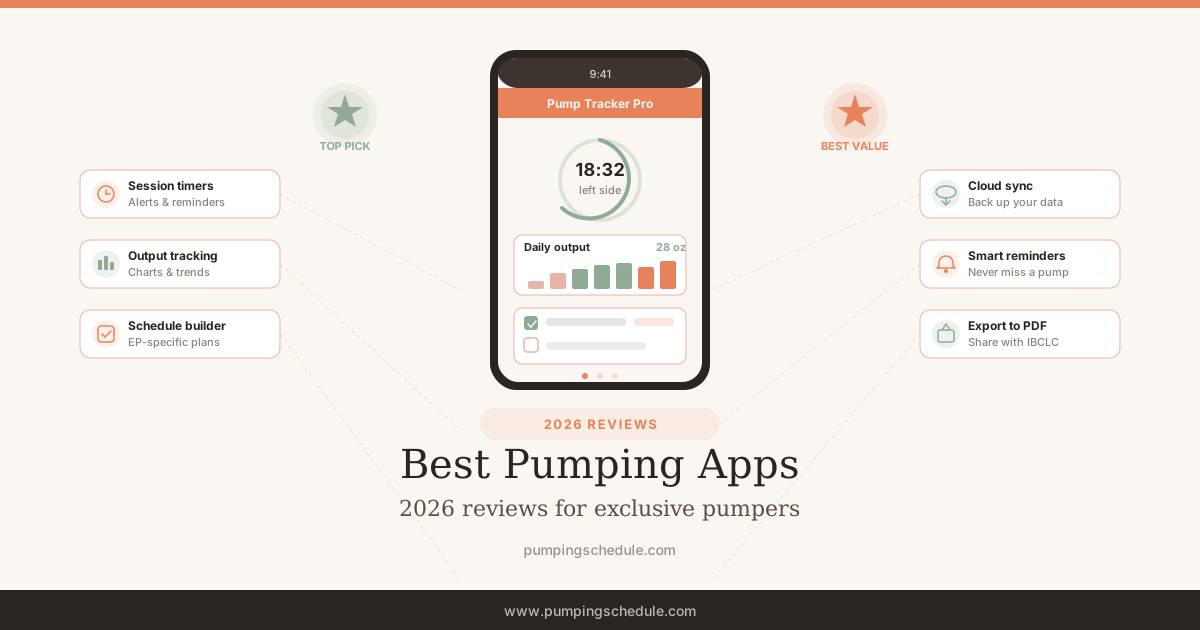
You are five weeks postpartum, pumping seven times a day, and scribbling ounces on a napkin because the Notes app does not have a chart function. (The napkin system works great until you accidentally throw it away with the Chipotle wrapper.) There has to be a better way — but most pumping apps were built for breastfeeding moms who pump occasionally, not for exclusive pumpers running a 7-session-a-day operation. We tested five of the best pumping apps during real exclusive pumping schedules to find which ones actually hold up at 3 AM.
Pumping Schedule — Best Pumping App for Exclusive Pumpers
Full disclosure: this is our app. We built it because the apps below did not do what we needed. That said — here is exactly what it does and does not do, same as every other pick on this page.
Pumping Schedule is the only pumping tracker app designed from the ground up for exclusive pumpers. The headline feature is automatic schedule generation by your baby's age — tell it how old your baby is, and it builds a pumping schedule with the right number of sessions, spaced across the day, adjusting as your baby grows. No other pumping app does this.
Session logging is one tap — start the timer, pump, stop. The app tracks volume per session, daily totals, and supply trends over time so you can see whether output is stable, climbing, or dipping before it becomes a problem. The freezer stash tracker keeps a running inventory of what you have stored so you are not guessing when it is time to rotate bags. For the full feature breakdown, see our app page.
What we like
- Only app with automatic age-based schedule generation
- Free session logging with one-tap timer
- Supply trend charts — daily and weekly views
- Freezer stash tracking with rotation reminders
- Built specifically for exclusive pumpers, not a general baby tracker
What could be better
- iOS only — no Android version yet
- Newer app with a smaller community than established competitors
- Data export feature still in development
Pump Log — Best Established Pumping Tracker
Pump Log has been around longer than most of the babies being tracked on it. As one EP mom on Reddit put it: “Pump Log is the boring Honda Civic of pumping apps — it just works and never breaks down.” Session timer, manual volume entry, output graphs, freezer countdown. No ads, no social features, no badges for your 100th pump. Just a pumping log app that does what it says.
The catch: 50 free sessions, then $8.99 — which means an exclusive pumper burns through the free tier in about a week. The one-time price is fair (no subscription), but you are essentially paying to test-drive it. No schedule generator, no supply analytics beyond basic line graphs, and nothing besides pumping. Solid if tracking is all you need. Limited if you want guidance on when and how often to pump.
What we like
- Decade-long track record — proven and stable
- Clean, ad-free interface focused entirely on pumping
- Freezer stash countdown calculator
- One-time $8.99 purchase — no subscription
What could be better
- Only 50 free sessions — about 1 week for EP moms
- iOS only — no Android version
- No schedule generator or age-based guidance
- No supply trend analytics beyond basic line graphs
Huckleberry — Best All-in-One Baby Tracker
Huckleberry tracks feeding, sleep, diapers, medications, and pumping — the Swiss Army knife approach. Where it shines: the SweetSpot sleep prediction feature. A Reddit user in the r/ExclusivelyPumping community described it as “the only app that correctly predicted my baby's nap window, which saved my afternoon pump.” The sleep-pumping coordination alone justifies trying the free tier.
Free tier covers basic logging. The $9.99/month Plus plan unlocks averages, analytics, and data export — which is where the pumping value actually lives. No schedule generator, no freezer stash tracking, and pumping shares screen space with six other modules. The best pumping tracker app for combo feeders who want one dashboard for everything. For dedicated EP moms, you will hit the ceiling fast.
What we like
- Tracks everything — feeding, sleep, diapers, pumping, meds
- SweetSpot sleep predictions genuinely useful
- iOS and Android — works for the whole family
- Clean, modern interface with good UX
What could be better
- Best pumping features locked behind $9.99/mo subscription
- No schedule generator for pumping
- No freezer stash tracking
- Pumping is one feature among many — not the focus
Baby Connect — Best for Multiple Caregivers
Baby Connect solves one specific problem well: keeping multiple caregivers in sync. Your partner, the nanny, grandma — everyone sees the same feed log, pump totals, and diaper count in real time. When you are pumping at workand your partner is handling bottles at home, that shared view eliminates the “did she eat yet?” text chain.
Logs pumping by side, tracks volume, handles storage locations, exports data for pediatrician visits. The interface looks like it was designed by engineers (it was) — functional, not pretty. At $4.99/month, you are paying for team coordination. No schedule generator, no EP-specific features, basic analytics. Worth it if caregiving is truly a team sport; overkill if it is mostly you and a Spectra at 2 AM.
What we like
- Real-time sync across unlimited caregivers
- Tracks pumping per side with storage locations
- Data export for pediatrician visits
- iOS and Android with web dashboard
What could be better
- $4.99/month recurring subscription
- Dated interface — functional but not modern
- No schedule generator or EP-specific features
- General baby tracker, not pumping-focused
MyMedela — Best for Medela Pump Owners
Own a Medela Freestyle Flex or Pump In Style with MaxFlow? MyMedela auto-syncs sessions directly from the pump — no timer tapping, no manual entry. Finish pumping, open the app, data is there. For Medela owners, that zero-friction logging is genuinely hard to beat.
Completely free, no ads, no subscription upsell. Tracks feeding, sleep, and your stash alongside pumping data. Clean interface with the polish you would expect from a company with Medela's resources.
The limitation is in the name. Spectra S1 owner? BabyBuddha? Momcozy wearable? You are back to manual logging, and at that point any dedicated pumping tracker app does it better. No schedule generator, basic analytics, no data export. A great companion app for Medela hardware — not a standalone best pumping app.
What we like
- Auto-syncs sessions from Medela smart pumps — zero manual entry
- Completely free with no ads or premium tier
- Clean, well-maintained interface backed by Medela
- iOS and Android support
What could be better
- Auto-sync only works with Medela pumps
- No schedule generator or EP-specific tools
- Basic analytics — no supply trend depth
- No data export
Feature Comparison: Best Pumping Apps
Here is how every pumping app stacks up across the features that matter most for exclusive pumpers. Our app is highlighted.
| Feature | Pumping ScheduleBest for EP | Pump LogBest Established | HuckleberryBest All-in-One | Baby ConnectBest for Teams | MyMedelaBest for Medela |
|---|---|---|---|---|---|
| Price | Free | $8.99 | Free / $9.99/mo | $4.99/mo | Free |
| Platform | iOS | iOS only | iOS + Android | iOS + Android | iOS + Android |
| Session Logging | One-tap timer + manual | Timer + manual entry | Timer + manual | Timer + manual, per side | Auto-sync w/ Medela pumps |
| Schedule Generator | Yes — by baby's age | No | No (sleep only) | No | No |
| Supply Trends | Yes — daily/weekly charts | Yes — graphs | Plus plan only | Basic charts | Basic |
| Freezer Stash | Yes | Countdown calculator | No | Storage location tracking | Yes |
| Reminders | Yes — customizable | Yes — flexible alarms | Yes | Yes | Yes |
| Data Export | Coming soon | Yes | Plus plan only | Yes | No |
| Our Score | 9/10 | 7.5/10 | 7/10 | 6.5/10 | 6/10 |
How We Tested These Pumping Apps
Each app got a minimum two-week run during actual 6-8 session EP schedules — the frequency range the AAP recommends for maintaining supply in the first months. Not “we downloaded it and poked around” — we logged real pumps at real hours, including the 2:45 AM session where you are holding your phone at an angle because the baby is sleeping on your arm. Any pumping tracker app that needed more than two taps to start a session lost points on the spot.
Five criteria, weighted equally:
- EP-specific features — Does it generate schedules? Track supply trends? Manage a freezer stash? Or is pumping an afterthought inside a general baby tracker?
- Ease of use at 3 AM — Can you log a session with one tap? Does the timer start without navigating three menus? Is the UI readable in the dark?
- Data quality — Are the charts useful? Can you spot supply trends? Can you export data for your pediatrician or IBCLC?
- Price transparency — Is the free tier genuinely usable or is it a teaser? Are subscription costs clear upfront?
- Reliability — Does it crash? Lose data? Drain battery? Two weeks of daily use exposed every stability issue.
What to Look for in a Pumping App
Four things separate a useful pumping app from a glorified stopwatch.
Schedule generation is the biggest differentiator. Most pumping apps are logging tools — they record what happened. A schedule generator tells you what shouldhappen: how many sessions per day based on your baby's age, when to space them, and when it is safe to drop a session. The CDC's pumping guidance recommends pumping 8-10 times per day for newborns — a schedule generator automates that tapering as your baby grows. If you are new to EP, this guidance matters more than fancy charts.
Supply trend tracking catches problems early. A good pumping tracker app shows you whether your daily output is trending up, stable, or declining — ideally before a 20% drop forces you into emergency supply recovery mode. Basic apps show you today's total. Better apps show you this week versus last week.
Freezer stash management saves milk. If you are building a stash, you need to know what you have, when it expires, and what to use first. Per CDC storage guidelines, frozen breast milk is best used within 6 months — forgetting about 40 ounces in the back of the freezer until it is past that storage window is a real loss. A stash tracker with expiration dates prevents it.
Ignore: social features, gamification, achievement badges. You do not need a pumping app that congratulates you for your 100th session. You need one that tells you whether your supply is stable and what time to pump next. Keep it functional.
Last reviewed: June 2026 by the Pumping Schedule Editorial Team. Read our editorial standards. Full disclosure: Pumping Schedule is our own app. Competitor descriptions are based on publicly available features and App Store listings.
Related Reading
- Pumping Schedule App — full feature breakdown and free download
- App launch announcement — why we built it and what is coming next
- Exclusive Pumping Schedule — the schedule your app should be generating for you
- Free Pumping Schedule Generator — web-based version if you prefer browser over app
- How Often to Pump — frequency guide by age, with or without an app
Stop tracking on napkins
Join thousands of EP moms using the only pumping app built for their schedule.